❓ Frequently Asked Questions
Answers to the most common questions about website security checks, email protection and our services.
🔍 General questions
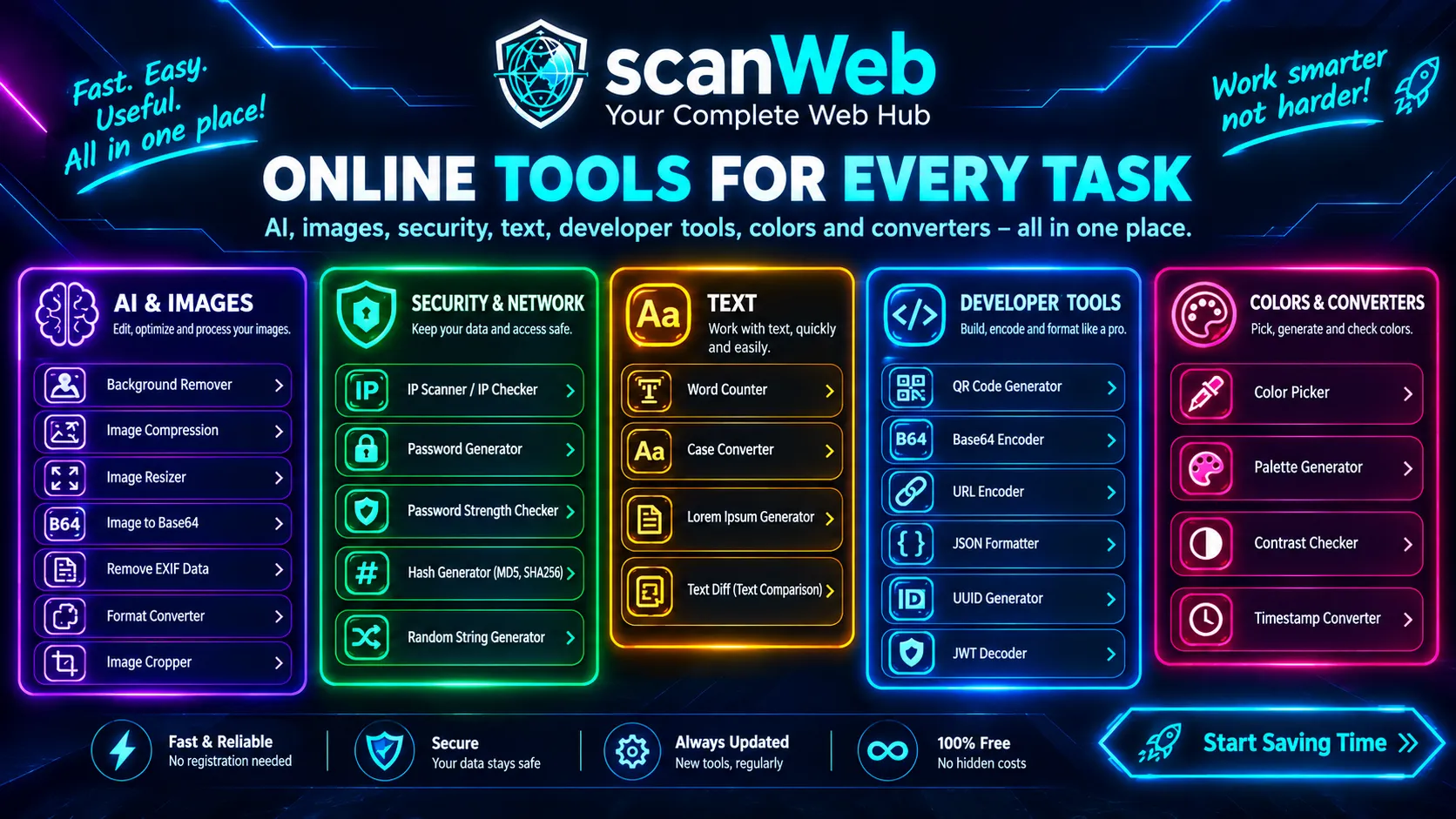
ScanWeb Online Tools is a collection free web tools that run directly in your browser — no server upload, no registration and no data storage. Tools cover security (passwords, hash), image processing, text manipulation, developer needs (Base64, JSON, JWT) and much more.
Yes, all tools are 100% free and available without registration. There are no hidden costs, limits or premium versions. You can use every tool without restrictions.
We currently offer tools in 6 categories: Security (password generator, password strength, hash generator, random string), Images (compression, resizing, image to Base64), Text (word counter, case converter, Lorem Ipsum, diff), Developer (QR code, Base64, URL encoder, JSON, UUID, JWT), Colors (picker, palette, contrast) and Converters (Unix timestamp).
Yes, all tools are fully responsive and work on all modern devices — smartphones, tablets and computers. Any modern browser works (Chrome, Firefox, Safari, Edge).
No, registration is not required. Simply open the tool you need and use it. No account, no email, no verification — just click and use.
Absolutely! We are open to all suggestions and ideas. Contact us via the contact form or email at [email protected] with a description of the tool you need. If the idea is useful, we will gladly implement it.
Currently no, all tools are designed for direct use in the browser. However, we plan to add a REST API in the future for popular tools such as hash generator, UUID generator and timestamp converter. Contact us for more information.
It is a unique number assigned to your device (computer, smartphone) that allows it to communicate with other devices on the internet, much like a postal address for your home.
Most Internet Service Providers (ISPs) use so-called dynamic IP addresses. Your address may change when you restart your router or after a certain period determined by your provider.
A website security check is a process of analyzing different aspects of a website to identify potential vulnerabilities and security flaws. It includes analysis of DNS records, SSL certificate, security headers, WAF protection, email security and much more.
Yes, the basic website check is completely free and available to everyone without registration. No hidden costs, no limits.
We recommend checking at least once a month, or after every major change on the site (new features, CMS updates, hosting changes). If you have an online store or handle sensitive data, checks should be more frequent.
Yes, our free check uses only publicly available data (DNS, SSL, WHOIS) and does not attack your system. The check is completely safe and legal.
🛡️ Security
No. All tools run 100% in your browser using JavaScript. Your files, passwords and text never leave your device — no server upload, no database storage, no logging. Privacy is guaranteed.
An IP address alone does not reveal your exact identity, name, or precise home address; it only shows your general geolocation (city) and Internet Service Provider (ISP). However, hackers can use it for network scanning, so using a VPN on public Wi-Fi networks is recommended.
An SSL certificate enables encryption of communication between your site and visitors. Without it, all data (passwords, card numbers) travels unprotected. Google also favors sites with HTTPS in search results.
WAF (Web Application Firewall) is a protective layer that filters malicious requests to your site. It protects against SQL injection, XSS attacks, DDoS and other threats. Popular WAFs are Cloudflare, Sucuri and AWS WAF.
Security headers are HTTP responses that tell the browser how to behave with your site. For example, HSTS forces HTTPS, X-Frame-Options protects against clickjacking, and CSP protects against XSS attacks. Their absence is a common security flaw.
📧 Email Security
Use our free email check tool. Enter your email address and you will get a list of known breaches it appears in, with details of what was leaked.
If your email is found in a breach: 1) Immediately change the password on that service, 2) Enable 2FA where possible, 3) Do not use the same password on multiple sites, 4) Use a password manager (Bitwarden, 1Password).
SPF, DKIM and DMARC are email security protocols. SPF defines which servers can send email on behalf of your domain. DKIM digitally signs emails. DMARC defines what to do with emails that fail verification. Their absence enables phishing attacks in your domain name.